Hale Propeller, LLC will observe the following holiday hours: December 24, 2021 closing at noon - December 25, 2021 closed - December 31, 2021 closing at noon - Janaury 1, 2022 closed
Advanced Technology Electronic 3D Propeller Inspection and Analysis System
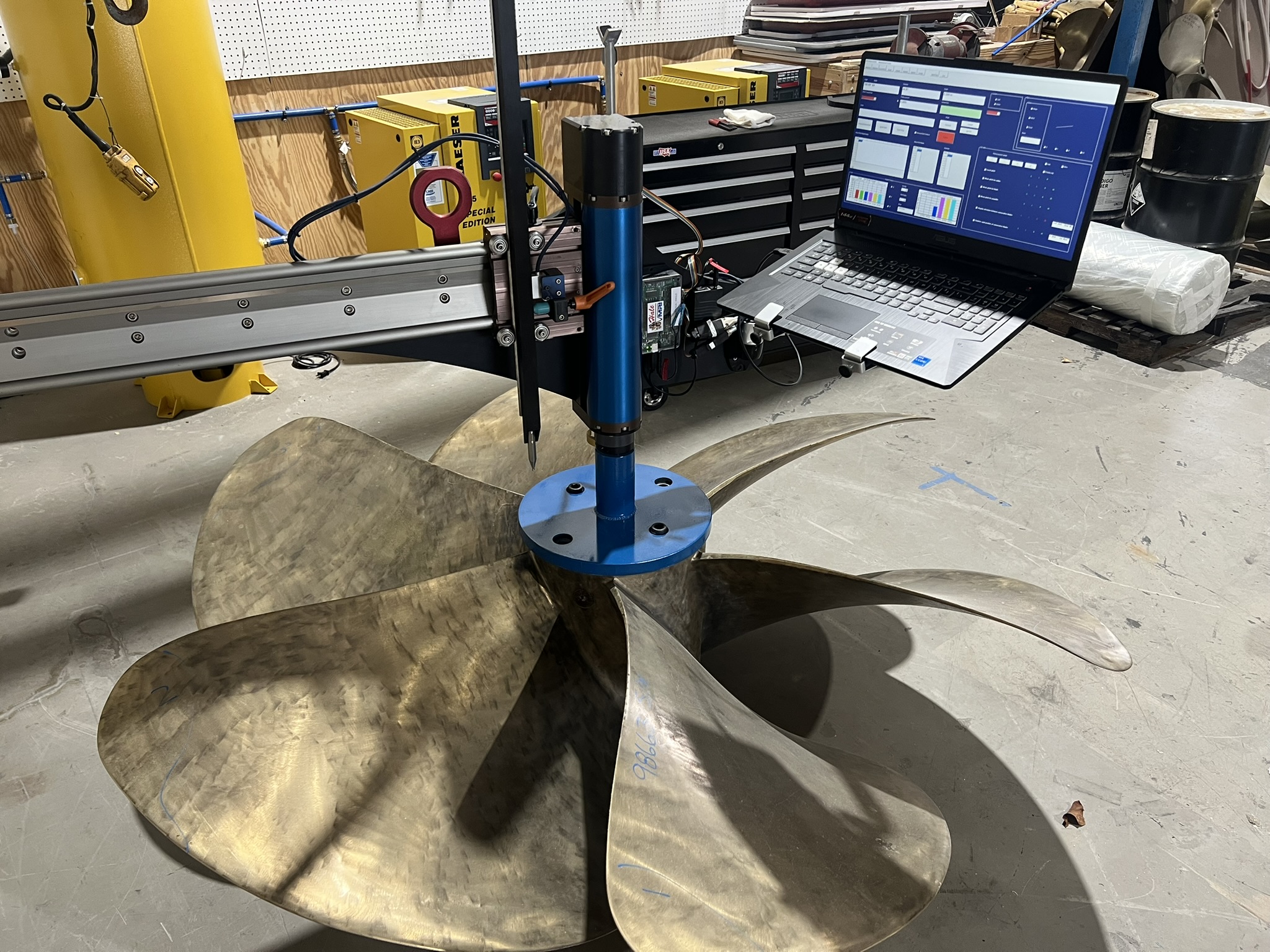
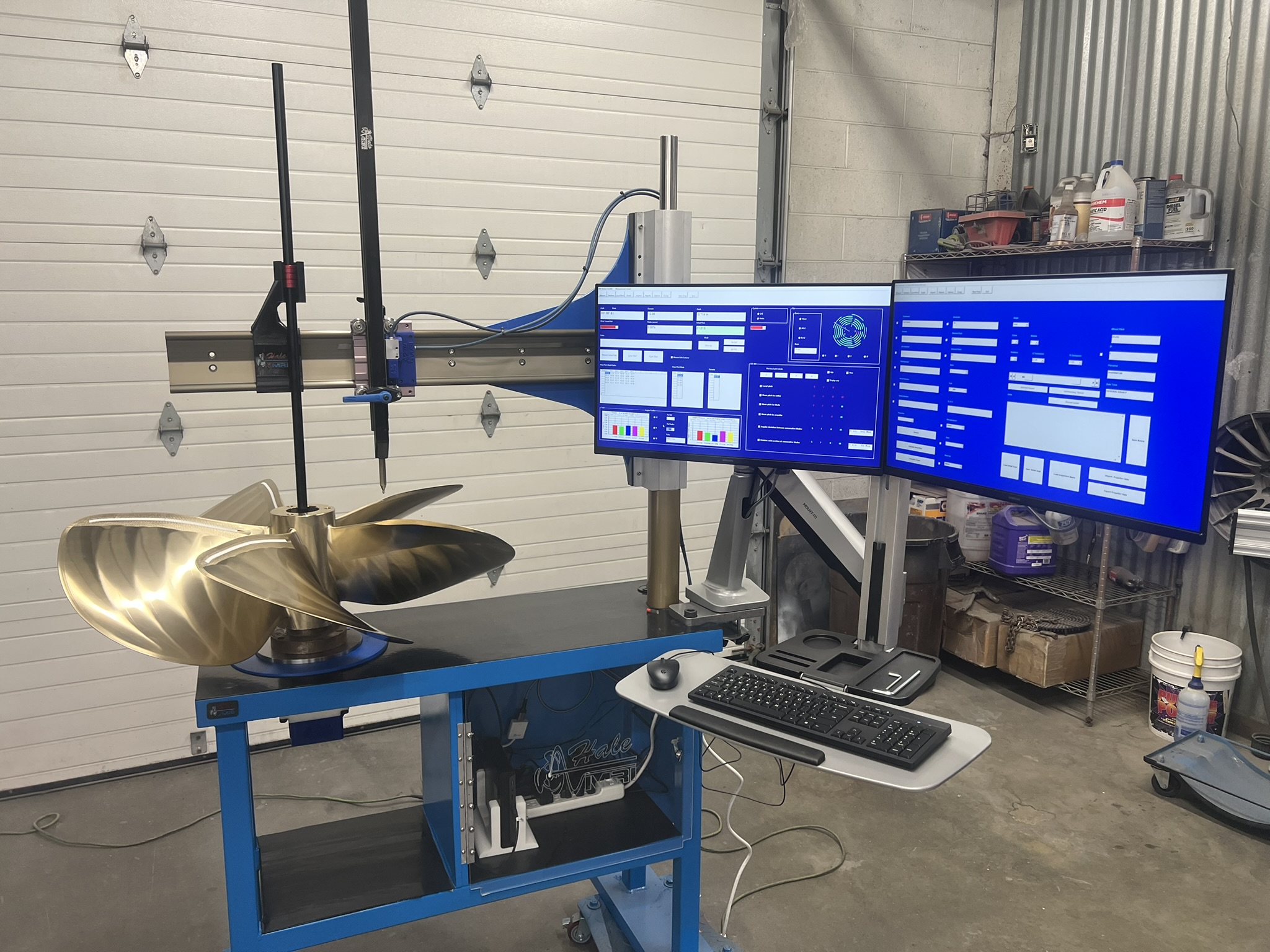
The Hale Propeller Measurement Recording Instrument is perhaps the most sophisticated and certainly the most versatile, computerized three dimensional propeller measurement device available.
Experienced propeller repair
facilities prefer the Hale MRI for performing detailed
and accurate propeller measurement. With the MRI’s
comprehensive reporting capability, the propeller technician
can record and document the exact
condition of a customer’s propeller. The resulting
concise and visual summary can assist customers in
determining the optimal repair or reconditioning service best
suited for their needs. MRI Features Include:
• Compatibility with Windows
10.
• Durable rotary and linear
encoders that provide continuous and highly accurate
3D readings to the computer for analysis and
recording.
• Measurements and reporting
of Pitch, Rake, Track, Angular Spacing, Section Face
Camber, and other geometric features for ANY
propeller.
• Ability to compare one
propeller to another, such as left hand vs. right hand
rotation, or two of the same rotation. This allows for the
exact matching of a propeller set.
• Permanent computer record of
pre and post repair activities, which can be
transferred to another MRI user via e-mail or data
storage devices. With this information, any MRI user has the necessary details
to provide a subsequent repair or
recondition service resulting in a finished
propeller closely matching the original. If replacement is
necessary, the detailed dimensional information can be
supplied to the propeller manufacturer for review and
determination of an optimal new propeller.
Hale MRI sizes:
HP 50 18”-56” diameter propellers
HP 60 18”-62” diameter propellers
HP 80 18”-80” diameter propellers
HP 120 24”-120” diameter propellers laser non-contact measuring head
HP 160 24”-160” diameter propellers laser non-contact measuring head
Hale MRI propeller manufactures
users:
Michigan Wheel Marine
Sound Propeller
Nakashima Propeller
ZF Marine Propeller
Teinbridge Propellers
Hung Shen Propeller
Mercury Marine
Henley Engineering
CJR Propellers
Clements Engineering
Rice Propeller
There are over
250-repair shops worldwide that use Hale MRI for propeller repair.
Just some of the
repair shops are located in the following countries:
United States
Australia
New Zealand
Japan
Philippines
Ireland
Britain
Columbia
Panama
Holland
Sweden
Bahamas
Dominican Republic
Mexico
M e a s u r e m e n t R e c o r d i n g I n s t r u m e n t